

After Hours Answering Service for Your Business

Our after hours answering service answers as your business when you forward your calls to it. Try a call in your browser and hear your AI receptionist take a message or handle an urgent request.

Close up for the day. Your AI receptionist takes messages and routes urgent calls by your rules.

Try a callRequest a free trialA 14-day free trial on request, up to 100 minutes
A small business owner relaxing at home in the evening on his sofa, family blurred in the background

Calls arrive while you are working, eating or asleep

An unanswered call can leave a new job waiting or an urgent message unheard. Your receptionist takes the details when you are on another job, at lunch or closed for the night.

A business owner asleep in bed at night, face relaxed, while a phone on the nightstand lights up softly
  • Jobs in progressLet callers leave useful details while your hands are occupied.
  • Nights and weekendsGive callers a way to explain their request after closing.
  • Busy periodsForward busy or unanswered calls when your own phone keeps ringing.
Read more

A missed call can mean a job you never get to discuss. During a busy season, even a lunch break can leave several people waiting to explain what they need. An after hours phone answering service gives them somewhere to start the conversation.

Think about a caller asking whether you cover their neighborhood, or someone reporting a problem after closing. Your receptionist uses the service area, hours and urgency rules you supply to answer or take a message. It cannot promise that you will accept a job or arrive at a particular time. You decide what happens after you receive the details.

What your receptionist asks, flags and writes down

Your receptionist asks the intake questions for your trade, marks urgency using your rules and records the message. You receive the summary, transcript and recording by email and app push notification.

IllustrationNormal10:42 a.m.

Call received for Harbor Lane Services

Lunch-hour overflow.

Message taken for the owner, along with the caller number.

Part of the transcript (example)

  1. Assistant Hi, you have reached Harbor Lane Services. I am a virtual assistant and this call is recorded. How can I help?
  2. Caller Describes the situation: lunch-hour overflow.
  3. Assistant I will pass this on to the team. What is the best number to reach you?

The whole transcript and the recording are in the dashboard.
  • Useful questionsCollect the caller's request and the details your trade needs.
  • Urgent requestsFollow your rules for reaching the person covering that shift.
  • Readable messagesGet a summary and urgency tag alongside the transcript and recording.
Read more

Your receptionist opens by saying it is a virtual assistant and that the call is recorded. It then asks about the request using the business information and intake questions you provided. For an after hours call answering service, knowing what deserves an interruption matters as much as taking a message.

You define urgency and the order of people to contact. The receptionist can warm transfer an urgent caller, giving your on-call person a short summary before they press 1 to accept, or page them. For routine requests, it can book into Google Calendar or collect details for your callback. We send a call alert by email and app push, with a daily digest email for review.

Try a midnight problem, a routine message or a spam call

The browser demo lets you test how the receptionist handles different reasons for calling. Use a fictional scenario, then listen for the greeting, intake questions and decision about urgency.

  • Midnight floodingHear which details the receptionist asks for before flagging urgency.
  • Routine messagesExplain a request and check what the owner would receive afterward.
  • Spam at nightListen for a polite end to an unwanted call.
Read more

The demo below uses a fictional business so you can test a call without involving your customers. Report a flooded rental unit at midnight, ask about a holiday closure or leave a general message for the owner. You can also try lunch-hour overflow, an urgent request that must page the owner, or spam at 3 a.m.

Listen for whether the questions help explain the problem and whether the urgency matches the scenario. Check that the assistant identifies itself and announces recording at the start. When the call ends, review the result from the owner's side. The full browser demo gives you another place to try these conversations before you set up your own receptionist.

Sample business (fictional): Harbor Lane Services

Select a call, then press Talk to the AI.

IllustrationUrgent11:48 p.m.

Call received for Harbor Lane Services

Flooded rental unit at midnight.

Transferred to the on-call person. They get a short summary first and press 1 to accept the call.

Part of the transcript (example)

  1. Assistant Hi, you have reached Harbor Lane Services. I am a virtual assistant and this call is recorded. How can I help?
  2. Caller Describes the situation: flooded rental unit at midnight.
  3. Assistant First, is anyone in danger right now? I am bringing the on-call person onto the line.

The whole transcript and the recording are in the dashboard.

This is an example of what the owner gets after a call like this.

Forward your number, then receive messages and bookings

Keep your business number and forward the calls you want us to answer. Your AI receptionist answers as your business, follows your instructions and sends you the call details.

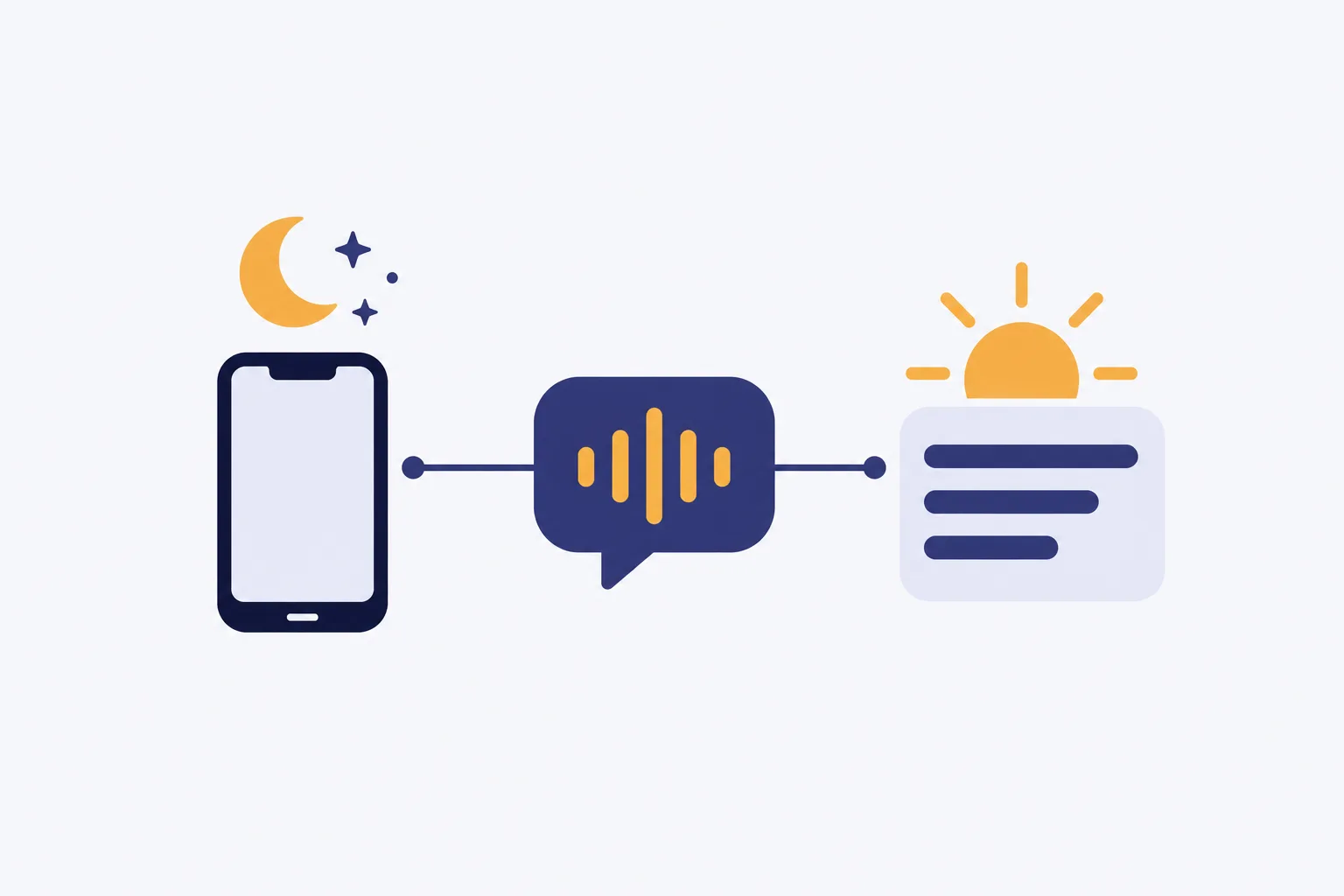
Illustration: a crescent moon over a phone, an AI sound-wave bubble, and a morning sun over a summary card of lines
  • Choose the coverageForward all calls, unanswered calls, busy calls or after-hours calls.
  • Answer as your businessUse your services, hours and policies during the conversation.
  • Receive the resultReview email and app push alerts, messages and appointment details.
Read more

You choose when your business number forwards to the local number we provide. Use after-hours forwarding to cover closing time, or include busy and no-answer calls during the day. A 24 hour answering service can cover both patterns once calls are forwarded.

We provide a forwarding guide for your carrier or phone system and a test call before you go live. Your receptionist uses the instructions from onboarding to handle intake, appointment booking and urgent routing. You can inspect calls, recordings, transcripts and usage in the dashboard. For the full sequence from onboarding to the test call, read how your call coverage starts.

Mock dashboard with made-up calls

AI, live answering or voicemail: match the call to the help

AI suits defined intake and routing, a live receptionist brings personal judgment, and voicemail gives callers space to leave a message. Choose based on the conversation you need after closing.

  • AI receptionistAsk intake questions and route urgency according to your business rules.
  • Live answeringA person brings judgment to unusual conversations and complicated caller needs.
  • VoicemailLet callers record a message for you to review when available.
Read more

AI is useful when you can describe the questions, service boundaries and urgent handoff in advance. Our receptionist follows those instructions, takes messages and offers appointment booking. It can make mistakes, so review the summaries and keep a backup way to be reached.

A live answering service puts a person into the conversation. That judgment matters when a caller needs an unusual explanation or a more personal exchange. Voicemail lets someone leave their account of the problem, but you still need to listen and decide what comes next. Try the same fictional request in our demo and judge whether the resulting message would help you return the call.

Compare the cost per call and the work left afterward

The cost of one call depends on the plan and how much follow-up remains. Our plan is $249 per month with 500 AI minutes included and $0.20 per extra minute.

  • AI minutesCompare the monthly allowance with the time your forwarded callers use.
  • Live answeringCheck the provider's billing unit and what its quoted plan includes.
  • VoicemailInclude your own time listening, calling back and collecting missing details.
Read more

To compare one call, start with the bill and then consider what you still need to do. An intake summary may save a second conversation about the basics. A voicemail may leave you collecting those details yourself. For a live service, ask how intake and urgent transfers are charged before comparing the total.

Our subscription uses AI minutes, so the number of calls alone does not describe usage. During your requested trial, review time used in your dashboard alongside the messages you receive. Check the plan and trial terms for the allowance, extra-minute rate and cancellation details. You can then judge the price against the work your own calls require.

Use call summaries alongside your existing software

Your receptionist books appointments into Google Calendar and sends call summaries you can enter into your other tools. Direct connections to field-service, CRM and practice-management software are not live yet.

  • Calendar bookingPut appointments into Google Calendar using your receptionist's booking feature.
  • Your working recordsEnter the call summary into the software you already use.
  • Product requestsTell us which direct software connections would help your business most.
Read more

You can use the summary, transcript and recording to update the tools where you manage your work. If you use HubSpot for contacts or Calendly for scheduling, plan to enter the relevant call details yourself. Google Calendar appointment booking is available through your receptionist.

Direct connections to other software are planned according to demand. Once free trials are available, look at what you would need to copy after a routine request and after an urgent call. That gives you a practical way to judge whether the handoff fits your day. Tell us which tools matter most when you review the service, so requests reflect work you actually need to do.

Set your rules and test them before forwarding live calls

Setup starts with an onboarding chat about your business and website. You define the services, hours and urgent contacts, then make a test call before live calls reach your receptionist.

  • Explain your businessShare your website, services, service area, hours and price policy.
  • Define urgent callsName the situations and the people who should be contacted.
  • Test the handoffCall before launch and check the message and urgent routing.
Read more

We ask 10-15 onboarding questions about your business, including work you do not take on. Describe holiday hours, what counts as urgent and who should be contacted first. Give the receptionist a clear price policy so it has your instructions when callers ask about cost.

Use a test call to check a routine message and an urgent request. Review the summary and listen to the recording, then change any settings by telling the AI in plain words. Setup includes a local number and the forwarding guide for your phone service. Once the test reflects your rules, choose the forwarding pattern you want for real callers.

Questions to ask before choosing an answering service

Ask who answers, how urgent calls reach you and what remains for you to do afterward. Use a realistic test request to check the answers before you choose a service.

  • The greetingAsk what callers hear about the assistant and call recording.
  • The urgent handoffFind out who gets contacted, in what order and how.
  • The full planCheck included usage, extra charges, cancellation and the backup route.
Read more

Ask a provider to walk through a routine request and a call that should wake your on-call person. Find out which questions it asks, what the message includes and whether you can review the original conversation. Ask how it handles requests outside your service area or beyond your instructions.

For our service, you can hear the disclosure and intake yourself, then inspect a demo result. Request a free trial to test your own rules and forwarding setup. Ask about cancellation and the backup number before directing real calls to any service. Keep the same checklist when you compare options so a polished greeting does not outweigh the details you need afterward.

Common questions

Can it answer only after hours, or during the day too?

You choose which calls forward to your receptionist: all calls, after-hours calls, busy calls or calls you do not answer. That lets you cover evenings alone or add lunch-hour overflow. We supply a forwarding guide for your carrier or phone system and include a test call before going live.

Will callers know they are talking to an AI receptionist?

Yes. Your receptionist says it is a virtual assistant and that the call is recorded at the start of each call. Those notices stay on. You can hear the greeting in the browser demo before deciding whether this way of answering fits your business.

Can an urgent call wake the person on duty?

You set the urgent situations, the people to contact and their order. Your receptionist can page your on-call person or warm transfer the call. With a warm transfer, they hear a short summary first and press 1 to accept the conversation.

What does the receptionist say on holidays?

It uses the hours and instructions you provide, including your holiday closure information. Tell the AI which hours or policies have changed in plain words, then test a closure question. You also decide which urgent requests still need to reach someone while the business is closed.

How will I receive my messages?

We send an alert for each call through email and app push notification. You get a summary, urgency tag, transcript and recording, plus a daily digest email. The dashboard gives you a place to review calls and settings when you are ready to follow up.

What happens when a caller asks something outside my instructions?

Your receptionist can take a message for your callback when the request needs your answer. Give it clear services, exclusions and price policies during onboarding. The AI can make mistakes, so review the summaries and update your instructions when a test reveals a gap.

Can it book appointments and speak Spanish?

Your receptionist can book appointments into Google Calendar or take details for a callback if you prefer. It speaks English and Spanish, and callers can switch between those languages during the conversation. Try the demo to hear the questions before choosing your own setup.

Can I try it before forwarding my business calls?

Start with the browser demo, which needs no signup. Request a free trial to set up your business through the onboarding chat and make a test call. The trial will last 14 days with 100 minutes, and a card will be required before forwarding goes live.

Hear how your calls are handled after you close

Call the fictional demo business in your browser, then review the message. Request a free trial to tell your receptionist what needs your attention after hours.

Hear an after-hours call Request a free trial